Sinetik:tracker · Inertial sensor & app

Train to velocity, not to feel

A sensor on the wrist, the app on the iPhone. Tracker measures the velocity of every repetition, places it in the work zone you are aiming for, and flags the moment a set stops delivering what you asked of it. In the gym, without interrupting the session.

01

What Tracker measures

For every repetition: mean velocity, peak velocity, range of motion, and the ratio between the two velocities. For every set: velocity loss, and the gap to the target zone. The load is entered once, before the set — everything else is computed as you lift.

Velocity loss is the signal that matters. It tells you, without opinion or guesswork, when a set has produced what it was meant to produce — and when it starts costing more than it returns.

Back Squat · 100 kg · Set 2 Example
Mean velocity per repetition, with target work zone STRENGTH ZONE m/s reps
Mean V0.42m/s
Peak V0.71m/s
Loss21%

Illustration — the values shown are fictitious.

How it works, plainly: the sensor measures acceleration and angular velocity at 52 Hz. Velocity and range of motion are derived from that signal by integration. Force and power are computed from the load you enter. Tracker does not measure force directly, and does not claim to.

02

Ways to work

One sensor, several uses. You use what serves your plan — the rest stays out of your way.

Velocity based session

Enter the load and the target zone, then start. The app follows the set and hands control back at the end.

  • 20 exercises: squat, hinge, push, pull, olympic
  • 7 work zones, from velocity to maximal strength
  • A velocity-loss threshold specific to each zone
  • A concrete load suggestion at the end of the set

Load-velocity profile

The relationship between load and velocity, built from a few increments. It shows where an athlete sits between force and velocity.

  • F0, V0, Pmax, slope and goodness of fit
  • Dominant profile: force, velocity or balanced
  • Optimal power load, in kg and as a share of 1RM
  • Live test with the sensor, or manual entry

Estimated 1RM

Maximal strength is inferred from the load-velocity relationship. Two increments are enough, and the estimate sharpens with each one added.

  • An estimate from two measured loads onwards
  • Automatic load suggestion between increments
  • Guided rest, editable increments
  • No maximal attempt required

Daily readiness

One reference load, one repetition. The velocity gap against the profile gives you the state of the day.

  • Recalculated 1RM for the day
  • Work zones adjusted to the session
  • Four states, from supercompensated to fatigued
  • Under a minute, before the warm-up

Jump testing

The explosive counterpart to loaded work, with the history that goes with it.

  • CMJ, squat jump, single-leg variants
  • Height, between-trial variability, reactive indices
  • Between-limb asymmetry (LSI)
  • Ratio between jumps with and without countermovement (EUR)

Athlete history

Every session files itself. You read a progression, not a pile of spreadsheets.

  • Progression across the last twelve sessions
  • One profile per exercise, kept over time
  • Exportable PDF report
  • Raw sensor CSV export, for your own analysis
03

The app, next to the rack

It fits in one hand and is read at a glance. During the set it shows velocity, zone and loss. At the end it suggests a load. Between sets, there is nothing to do.

  • One-tap sensor connection, five-second countdown
  • Voice feedback on every repetition — the screen becomes optional
  • An alert when velocity loss passes the zone's threshold
  • A stray repetition is removed with one tap, without skewing the set
  • Session stored on the device, exportable as PDF or CSV
Back Squat · 100 kg Set 2
Mean V0.42 m/s
Loss21 %
Velocity per repetition
Zone — Strength

iPhone, iPad and Mac. The app is currently distributed through TestFlight to pilot organisations. App Store release will follow the end of that phase.

Request TestFlight access
04

The sensor

A custom Movesense inertial unit, worn on the wrist with a strap. No cable, no tripod, nothing to clamp onto the bar.

  • Type6-axis inertial unit
  • SignalAccelerometer + gyroscope
  • Sampling rate52 Hz
  • LinkBluetooth Low Energy
  • WornWrist, strap
  • Set-up time≈ 10 seconds
  1. Clip it on The sensor sits on the strap, on the athlete's wrist.
  2. Connect The app recognises it and pairs over Bluetooth.
  3. Load it A load, a zone, and the set begins.
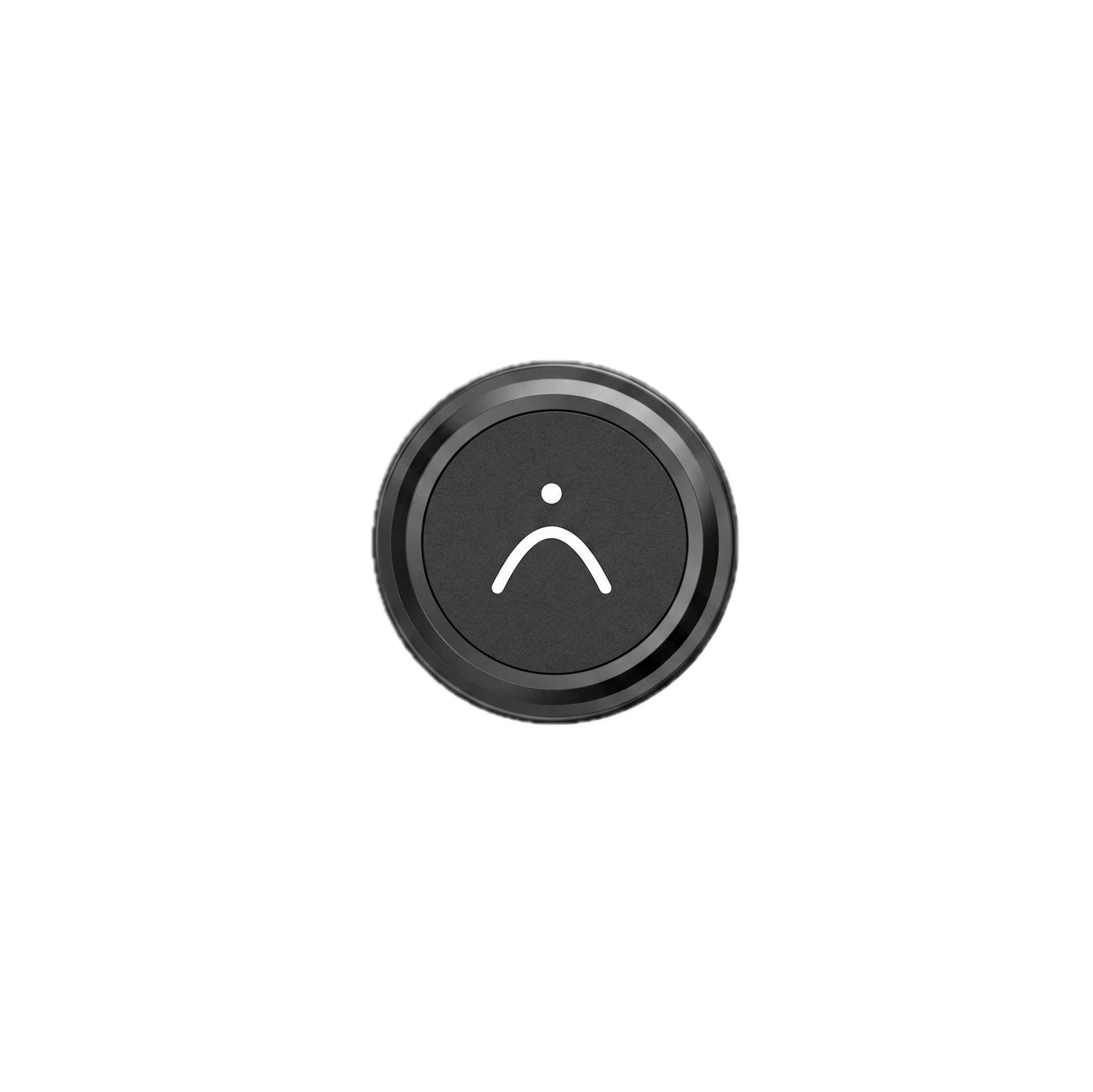
The Sinetik inertial sensor, a circular black housing carrying the brand mark
The Sinetik sensor, which clips onto its wrist strap.
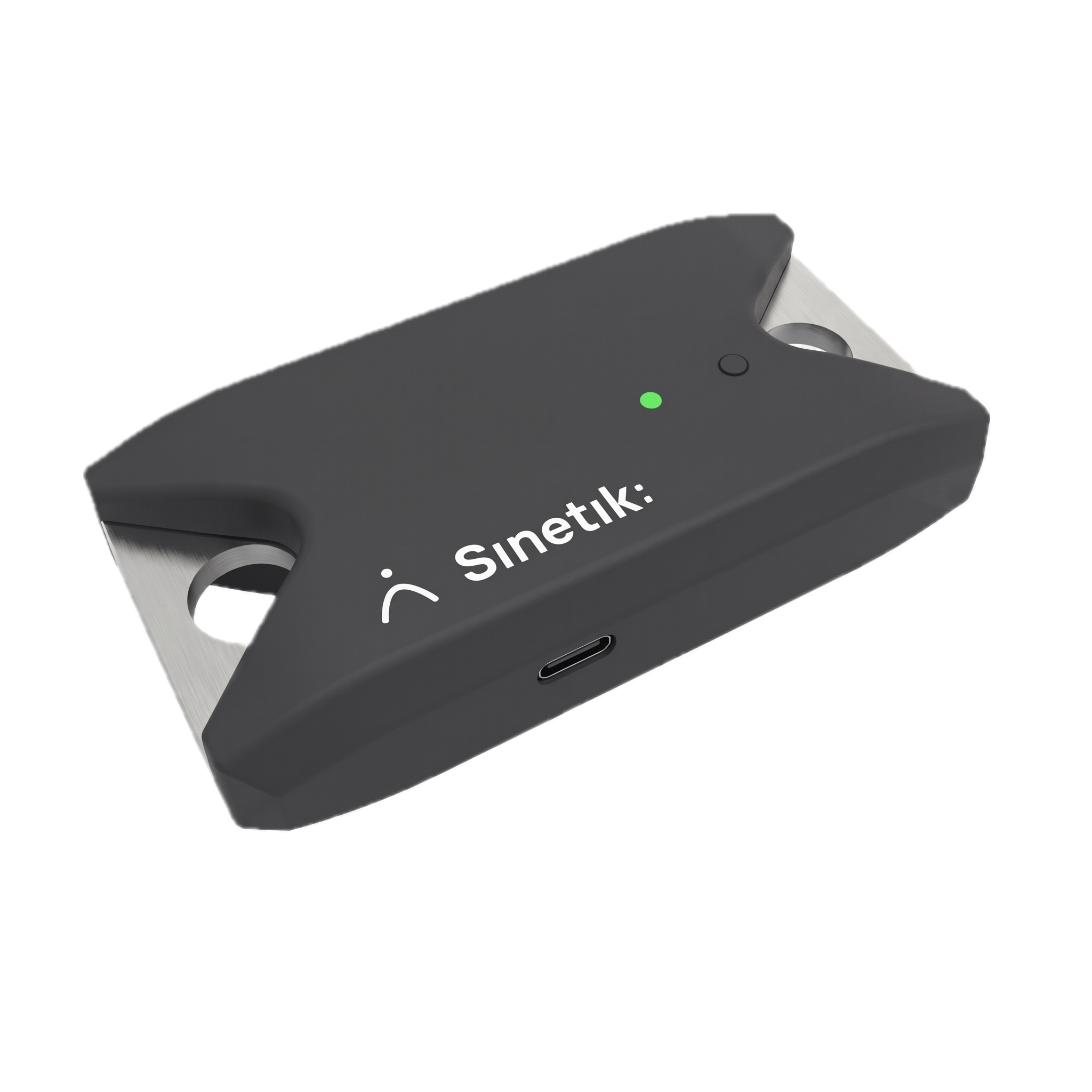
The Sinetik isometric testing sensor, a rectangular housing with a USB-C port and status light
The isometric testing sensor — in development, see the roadmap.
05

Plans

Pricing is not settled yet. We are finalising hardware costs and the choice between outright purchase and subscription before announcing figures we intend to keep. Pilot organisations get entry conditions, whichever structure we land on.

Individual

Strength coach, athlete

Pricing to come
  • One sensor and its strap
  • Full app, every mode
  • History and exports
Hear about the launch

Organisation

Professional centre, federation

On request
  • Volume matched to your squad sizes
  • API access for your own tools
  • Dedicated support through the season
Get in touch

Session data is stored on the device and belongs to you. It can be exported at any time as PDF, CSV or JSON — including the raw sensor signal, if you want to run your own analysis.

06

Frequently asked

What people ask us, and what we answer — including when the answer does not flatter us.

The sensor is worn on the wrist, not on the bar. Does that change the measurement?

Yes, and it should be said. The wrist does not travel exactly like the bar, particularly on movements where the arms move relative to the trunk. We chose the wrist because it makes set-up immediate and the sensor usable on every exercise, including those without a barbell. Consistency from session to session for the same athlete on the same exercise is good — and that is what drives training decisions. A figure-for-figure comparison against a bar-mounted system has not yet been formally carried out on our side. It is work we intend to do, and we will publish the results as they come out.

Can Tracker's values be compared with another device's?

Not yet. Until we have run that comparison, treat Tracker's values as an internal scale: they compare against each other, over time, for the same athlete on the same exercise. Do not place them next to another system's figures in the same table.

How long does it take to set an athlete up?

About ten seconds: clip the sensor to the strap, open the app, pick the exercise and the load. Nothing to calibrate, nothing to position precisely.

Which devices does the app run on?

iPhone, iPad and Mac. It is currently distributed through TestFlight to pilot organisations; App Store release will follow that phase. An Android version is planned, with no date fixed today.

Do you need an internet connection in the gym?

No. The sensor link is Bluetooth and the session is stored on the device. A connection is only needed to share a report or, in time, to sync to Sinetik:studio.

What happens to the data, particularly for players under 18?

Sessions are stored locally on the staff's device and can be exported at any time. Synchronisation to Sinetik:studio, currently in development, will run on European hosting with strict separation between organisations: the data belongs to the club, not to us, and follows the player if they move on. We collect no imagery and no location, and the values recorded are training measurements — not health data.

Do you need to know your 1RM to use Tracker?

No, and that is part of the point. Tracker estimates maximal strength from the load-velocity relationship, using a few submaximal increments. In a youth setting, that removes the need to put young athletes through maximal attempts simply to establish their strength level.

Does it replace a strength and conditioning coach?

No. Tracker measures and flags; it does not decide. It tells you a set has lost twenty per cent of its velocity — not whether that was the day to stop there, for that athlete. That call stays yours, and the tool exists to make it easier to make, not to make it for you.

What if Tracker counts a repetition that was not one?

It happens — an unrack, a reset. The app filters out movements that are too short or too slow, and any questionable repetition can be removed with one tap during or after the set. Averages and velocity loss are recalculated immediately.

Does Tracker data flow into Sinetik:studio?

That is the plan, and it is the reason the whole thing exists: gym load, wellness, testing and planning in a single history per player. The connection is in development. The interface will also be open to other analysis platforms — you will not be locked in with us.
07

What comes next

Three pieces of work under way. They are not available today and they are not dated: we would rather announce them when they work.

In development

Sinetik:studio connection

Sessions flow into the platform and file themselves alongside the plan, wellness and testing. One history per player, and an interface open to the tools you already use.

In development

Isometric testing

A second sensor, dedicated to isometric testing and training. It picks up where dynamic measurement stops.

Exploratory

Camera-based kinematics

The iPhone camera to look at the movement itself, on the pitch as well as in the gym, where an inertial sensor is no longer enough.

2026 pilot phase

We are looking for organisations to get it wrong with us

Tracker works and is already used in the gym. That does not make it finished. We are opening a limited number of places to clubs and academies willing to use it daily, tell us what breaks, and shape what the product becomes. Entry terms guaranteed, and a direct line to the people building it.